A steady phone and the right focus point make photos crisp.
Learn
Photo challenge
Quiz
Complete
What this lesson is about
Most soft, blurry phone photos are not the camera’s fault. They come from tiny movements while the phone is still collecting light. Steady the phone, tap what matters, and your photos go crisp.
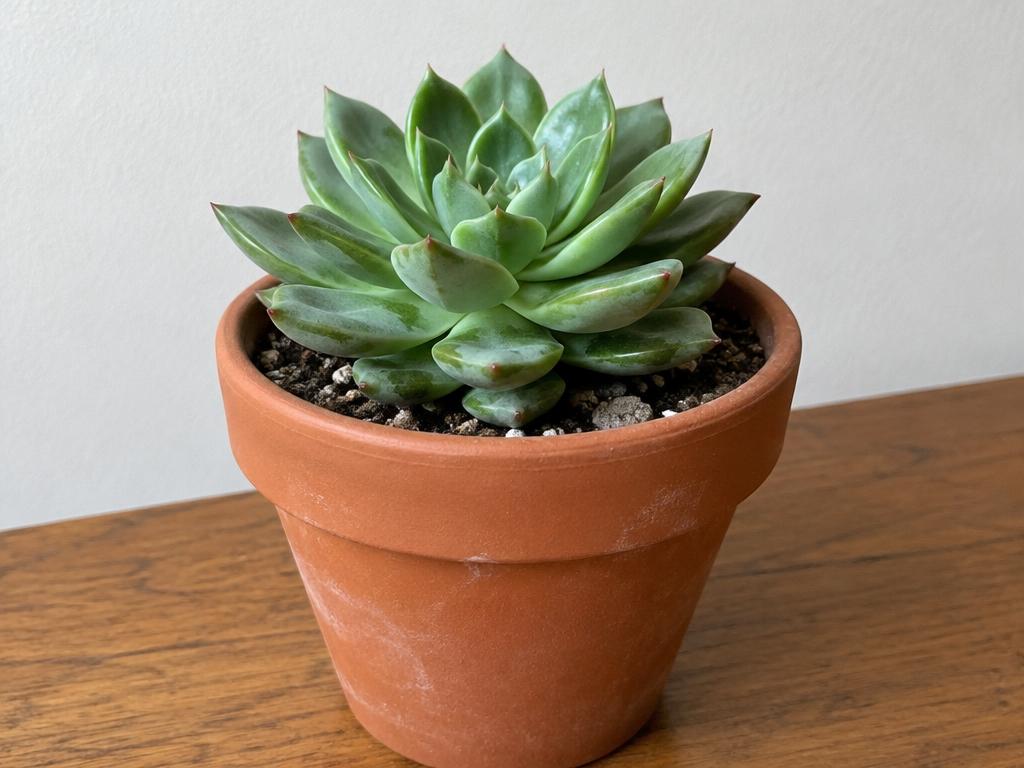
A small succulent, tapped into focus and held steady.Sharp detail on the leaves is what makes a photo feel close and real.
How it works
1
Tap to choose focus
Your phone guesses where to focus. Tap your subject on the screen and you tell it exactly what matters most.
2
Two hands, elbows tucked
Hold the phone with both hands and draw your elbows towards your ribs. It turns your own body into a small tripod.
3
Low light needs support
In dim rooms the phone needs longer to collect light, so every wobble shows. Lean against a wall, rest your elbows on a table, or set the phone down.
Remember
Tap your subject on screen to set focus.
Hold the phone with two hands, elbows tucked in.
Lean on a wall or table when the light is low.
Try these before you shoot
The steady countdown
Shows how little movement it takes to blur a photo.
Set a small object on a table in a dim room.
Take one photo holding the phone at arm’s length with one hand.
Take another with two hands and your elbows tucked in.
Take a third with your elbows resting on the table.
Compare the three — the difference is usually obvious.
Tap and shoot
Builds the habit of choosing your own focus point.
Photograph something with a busy background — a plant by a window works well.